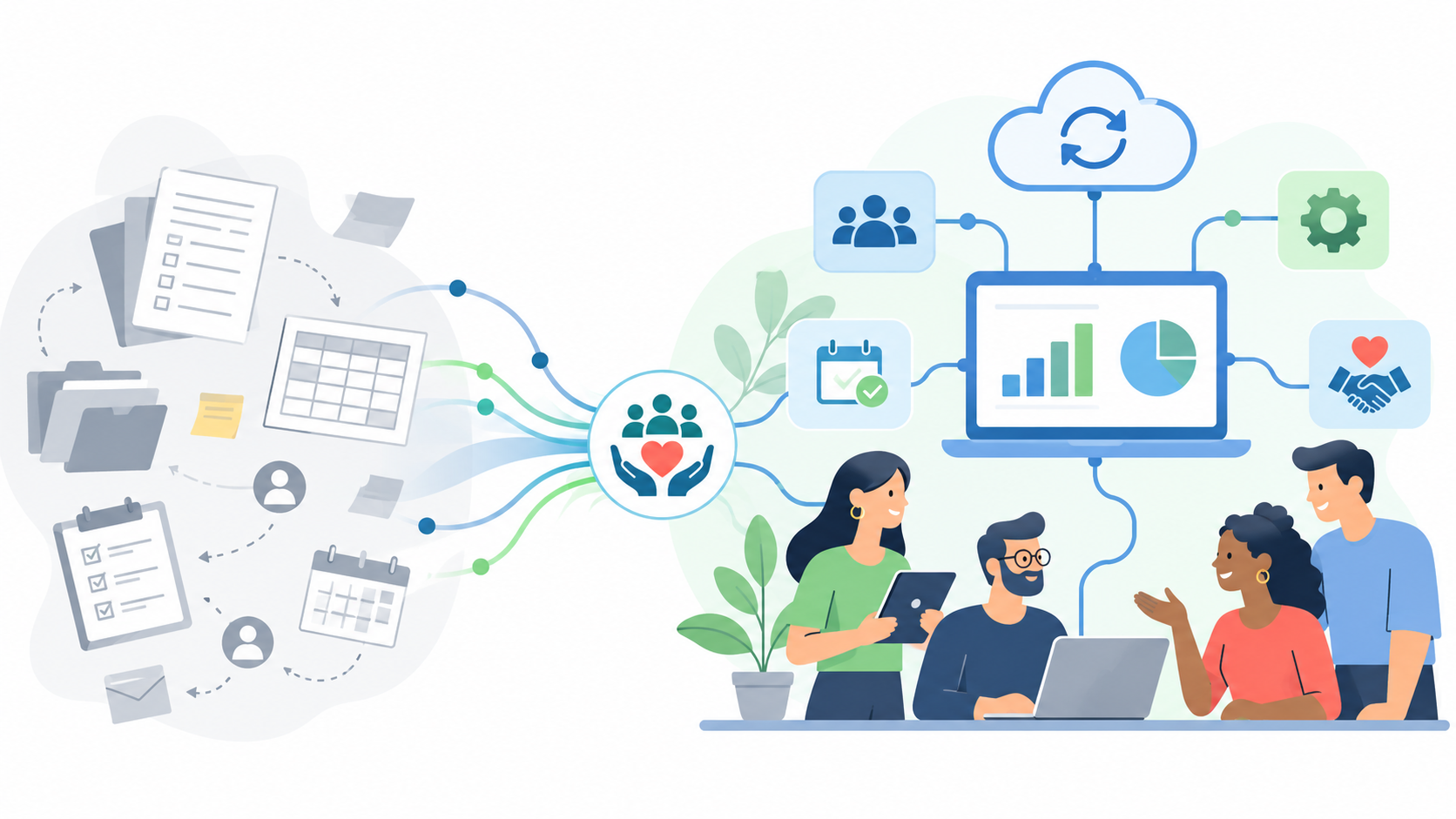
Nonprofit digital transformation is the work of changing how information moves through your organization, so that a gift, an application or an outcome is entered once and used everywhere it is needed. Good nonprofit digital transformation starts with one process and the people who run it, not with a software purchase. Map that process, find where information is retyped or waits on someone, change one step, and check whether the week got lighter.
The rest of this post walks through that method, with a checklist you can copy and a worked example.
What does nonprofit digital transformation actually mean?
It is easy to hear the phrase and picture a new system going live on a Monday. In practice it is quieter than that. It is the grant report that pulls its numbers from the same records the finance team uses. It is the board question you can answer before the meeting ends. It is the volunteer who completes a task from a link instead of waiting for an account.
Software is part of it. The larger part is deciding how the work should flow, then choosing tools that follow that decision.
Where should a nonprofit start?
Start where the week feels heaviest. Ask the people closest to the work three questions:
What do you type more than once?
What do you wait for, and who are you waiting on?
What question do you get asked that takes a day to answer?
The answers usually point to one or two processes: grant deadlines, scholarship review, gift entry, year-end reporting. Pick one. A single process changed well teaches you more than five changed halfway.
A step-by-step plan
Name the process and its owner. One sentence: what starts it, what finishes it, and who is responsible.
Map it as it runs today. Sit with the person who does it. Write every step, every handoff and every place the information lives.
Mark the friction. Circle each place information is retyped, each wait, and each step only one person knows how to do.
Decide what good looks like. Write it in plain terms: "the deadline list is current without anyone rebuilding it" or "we can say how much the fund spent this year without an export."
Change one step. Fix the circled item that costs the most time first. Sometimes that is a tool. Sometimes it is a shared form or an agreed definition.
Run it for a full cycle. One grant season, one review round, one month of gifts.
Look back and choose the next step. Keep what worked, drop what didn't, and move to the next circle.
For the planning side in more depth, see our step-by-step guide to a nonprofit technology plan.
A worked example
Take a youth arts nonprofit we'll call Northfield Arts. It is a made-up organization, used here only to show the method.
Northfield's development lead tracks grants in one file and donors in another. When a foundation grant arrives, she enters it in both, then again in the finance system. At year end, the executive director asks how much each program raised, and the answer takes two days because the three sources count the same money differently.
The map shows one circle that matters most: the same grant is entered three times and counted in three ways. Good, for Northfield, means the team agrees on one definition of revenue, records each transaction without duplicate entry, and can reconcile fundraising reports with its accounting system. The first change is to agree one definition of "raised" and one place it is recorded. Only then does the team look at tools that keep grants and gifts together.
How do you bring staff along?
People adopt a change when it removes something they already find tiresome. Lead with that.
Involve the person who runs the process in mapping it. They know where the time goes.
Explain what will stop, not just what will start. "You won't rebuild the deadline list each Monday" lands better than a feature name.
Train on the real work, with real records, in short sessions.
Name a go-to person for questions in the first month.
Our posts on communication before technology implementation and tips for a successful technology implementation go further on this.
What should you ask before choosing software?
A short checklist you can copy into a vendor conversation:
Can we export all our data in a common format whenever we want?
Is our data kept separate from other organizations'?
Can we control who sees what, down to a single program?
Is there a log of who changed what, and when?
Is the applicant and donor experience accessible and usable on a phone?
Does it connect to the tools we already use for email, payments and accounting?
If it includes AI, can we turn it off, and does a person approve every action?
Keeping grants, gifts and reports in one place
Much of the friction in a map like Northfield's comes from the same money living in several places. In CommunityForce, grants and donors can share one pipeline, with a Grants tab and a Donors tab, through the fundraising add-on. A grant you win goes into a fund's budget and is recorded as a gift from the foundation, so the money is counted once.
When the board asks a question, Phoenix Copilot, once your administrators turn it on, answers in plain English from your live data, reading every record rather than a sample and showing where each figure came from. You can see how it fits together on our awards management software page.
Questions people ask
How long does nonprofit digital transformation take?
There is no finish line. Most teams see a difference after changing one process for one full cycle, then build from there.
Do small nonprofits need to transform digitally?
Small teams often gain the most, because the person entering data is usually also delivering the program. Removing one retyped step gives that time back to the work.
What is digital maturity?
It describes how consistently an organization uses data and tools across its work. Our post on the benefits of digital maturity explains the idea.
Should we replace everything at once?
Usually not. Changing one process at a time keeps the work running and lets you learn what your team actually needs.
If you would like to see how your own grants and gifts could sit in one place, book a demo at communityforce.com/contact/demo.
Leave a Comment
No comments yet. Be the first to comment!